
Real-time meeting transcription and live translation. Your AI for every conversation.
Kalima captures your conversation without joining the meeting. It transcribes live and can translate into 60+ languages. No bot appears in your call, so the conversation stays uninterrupted.
Free plan · No credit card · Nobody extra joins the call








Not tied to any platform.
Kalima transcribes from any app: meetings, calls, streams, voice chats, podcasts and more.
- Zoom
- Slack
- Twitch
- Microsoft Teams
- Telegram
- Discord
- YouTube
- Google Meet
- Signal
- Spotify
- Webex
- Snapchat
- TeamSpeak
- Apple Podcasts
- Google Chat
- Messenger
- TikTok
- GoTo Meeting
- X Spaces
- Jitsi
- Viber
- Kick
- SoundCloud
- LINE
- Mumble
- Vimeo
- Zoom
- Slack
- Twitch
- Microsoft Teams
- Telegram
- Discord
- YouTube
- Google Meet
- Signal
- Spotify
- Webex
- Snapchat
- TeamSpeak
- Apple Podcasts
- Google Chat
- Messenger
- TikTok
- GoTo Meeting
- X Spaces
- Jitsi
- Viber
- Kick
- SoundCloud
- LINE
- Mumble
- Vimeo
- Zoom
- Slack
- Twitch
- Microsoft Teams
- Telegram
- Discord
- YouTube
- Google Meet
- Signal
- Spotify
- Webex
- Snapchat
- TeamSpeak
- Apple Podcasts
- Google Chat
- Messenger
- TikTok
- GoTo Meeting
- X Spaces
- Jitsi
- Viber
- Kick
- SoundCloud
- LINE
- Mumble
- Vimeo
- Zoom
- Slack
- Twitch
- Microsoft Teams
- Telegram
- Discord
- YouTube
- Google Meet
- Signal
- Spotify
- Webex
- Snapchat
- TeamSpeak
- Apple Podcasts
- Google Chat
- Messenger
- TikTok
- GoTo Meeting
- X Spaces
- Jitsi
- Viber
- Kick
- SoundCloud
- LINE
- Mumble
- Vimeo
- Zoom
- Slack
- Twitch
- Microsoft Teams
- Telegram
- Discord
- YouTube
- Google Meet
- Signal
- Spotify
- Webex
- Snapchat
- TeamSpeak
- Apple Podcasts
- Google Chat
- Messenger
- TikTok
- GoTo Meeting
- X Spaces
- Jitsi
- Viber
- Kick
- SoundCloud
- LINE
- Mumble
- Vimeo
- Zoom
- Slack
- Twitch
- Microsoft Teams
- Telegram
- Discord
- YouTube
- Google Meet
- Signal
- Spotify
- Webex
- Snapchat
- TeamSpeak
- Apple Podcasts
- Google Chat
- Messenger
- TikTok
- GoTo Meeting
- X Spaces
- Jitsi
- Viber
- Kick
- SoundCloud
- LINE
- Mumble
- Vimeo
Guides for Zoom, Microsoft Teams, Google Meet, Slack huddles, Discord and Webex.
Record it, upload it, make sense of it.
Most tools make you pick a lane: record live, upload a file, or get AI notes. Kalima does all three in one place.
Live transcription
Start Kalima in the web or desktop app and follow every word in real time. Speakers are detected automatically and the transcript grows live. Nobody extra joins the meeting to make it happen.
- Text appears as it's spoken
- Speakers detected automatically
- Click to jump to the moment
Live translation
Choose translation when you start a recording and read along in your language while others speak theirs. The translation appears next to the original as people talk, so names and terms stay easy to check.
- Original and translation side by side
- 60 languages
- Keeps up when someone switches language
File upload
Upload audio or video files and let Kalima do the rest. Even long recordings are transcribed reliably in the background, complete with clean text and precise timestamps.
- Audio and video
- Transcribed in the background
- Output with timestamps
Playback and chapters
Open a finished session and listen back. The word being spoken is highlighted as it plays, the chapters from the AI summary split the recording into parts, and a click on any word jumps straight to that moment.
- Word-by-word highlighting
- Chapters from the AI summary
- Click a word to jump there
AI Studio
Conversations become results. Kalima summarizes content, spots tasks and decisions, and answers questions straight from the transcript. Ready to share, export, and keep working.
- Summaries, tasks, and decisions
- Ask the transcript directly
- Export to your tools
In your own AI tools
Connect Kalima to Claude, ChatGPT, Cursor, or VS Code through its MCP server. Your assistant searches your transcripts, reads the passages it needs, and tells you which meeting and moment an answer comes from. In Claude and ChatGPT, every timestamp opens the recording at that spot. From any session, the AI tools tab opens it in Claude or ChatGPT with one click. Access is read-only by default, and setup takes about two minutes.
- Claude, ChatGPT, Cursor, and VS Code
- Answers with the meeting and time
- Read-only by default, signed in with OAuth
Meeting detection in the desktop app
When the desktop app detects a call, its Meeting Assist panel offers to record it, with your mode and languages already set. One click on Start recording captures your microphone and the call's audio. If you prefer, clearly detected calls can start and stop recording on their own. With the Kalima extension for Chrome, Edge, and Brave, the desktop app also notices calls in Google Meet and other browser meetings.
- Offers to record when a call is detected
- Mode and languages remembered
- Optional auto-start and auto-stop
Live sharing
Send one link and others read the transcript live while you record. You decide who gets in: anyone with the link, signed-in users, or only the people, teams and organizations you add. Protect the link with a password or let it expire, and choose whether viewers may play the recording, see the AI summary or chat with the transcript.
- Viewers read along in real time
- People, teams or whole organizations
- Password, expiry and viewer rights
Audio might be messy. The transcript won't be.
Accents, crosstalk, bad Wi-Fi. Kalima keeps up, so you don't have to babysit a recording.
Optimized for speed.
Built for reliability.
Kalima pairs real-time transcription with the reliability teams need for real work. Conversations are captured live, cleanly structured, and turned straight into results, from summaries to clear next steps.
Imagine having a conversation with anyone in the world without language barriers. Our AI listens to every word and instantly converts speech to text while simultaneously translating into the language you need. No delays, no waiting, just seamless communication that feels completely natural.
Stellen Sie sich ein Gespräch vor mit jedem auf der Welt ohne Sprachbarrieren. Unsere KI hört jedes Wort und wandelt Sprache sofort in Text um während sie gleichzeitig übersetzt in die Sprache, die Sie brauchen. Keine Verzögerungen, kein Warten, nur nahtlose Kommunikation die sich völlig natürlich anfühlt.
Imagine having a conservation with anyone in the whirled without language carriers. Our AI glistens to every word and instantly converts peach to text while simultaneously translating into the language you need. No relays, no weighting, just seamless communication that feels completely national.
Data security as the foundation, not an afterthought.
EU-hosted, encrypted in transit, and never used to train AI. Your data stays yours.
- GDPR compliant
- Hosted in Germany
- No AI training
- AES-256 encrypted
- Made in Germany
- No unauthorized sharing






Built for your kind of conversation.
The same live capture, with nobody extra in the call. Pick your kind of conversation and see what Kalima makes of it.
Every meeting, clearly captured.
- A live transcript that names every speaker, while nothing new shows up in the participant list.
- Decisions and action items, ready the moment you stop.
- Look up later who agreed to what, and when.
Listen closely, capture everything.
- Every sales call captured word for word, so you can just listen.
- Key points, next steps and open questions, sorted for you.
- Copy the summary into your CRM with one click.
Help every caller in their language.
- Two-way live translation: you and the caller each read along in your own language.
- A summary with the follow-ups after every call.
- Search every call to spot recurring issues sooner.
Interviews you can quote exactly.
- Who asked and who answered, kept apart word for word.
- The topics of each interview, with the quotes behind them.
- Search all your interviews at once when you need the evidence.
Follow the lecture, word for word.
- Every lecture transcribed live, in 60+ languages.
- Translation in real time, even a language switch mid-sentence.
- Ask your own AI tool about every lecture, or have it quiz you before the exam.
Your audience reads along, live.
- Share one link or QR code, and the room reads the transcript on their phones.
- You decide who gets in: anyone with the link, or only the people you add.
- Afterwards the whole talk is searchable and summarized.
Every episode, ready to read.
- Clean, speaker-separated transcripts for every episode.
- Show notes and chapter marks straight from what was said.
- Subtitles as SRT or VTT, ready to publish.
What sets Kalima apart.
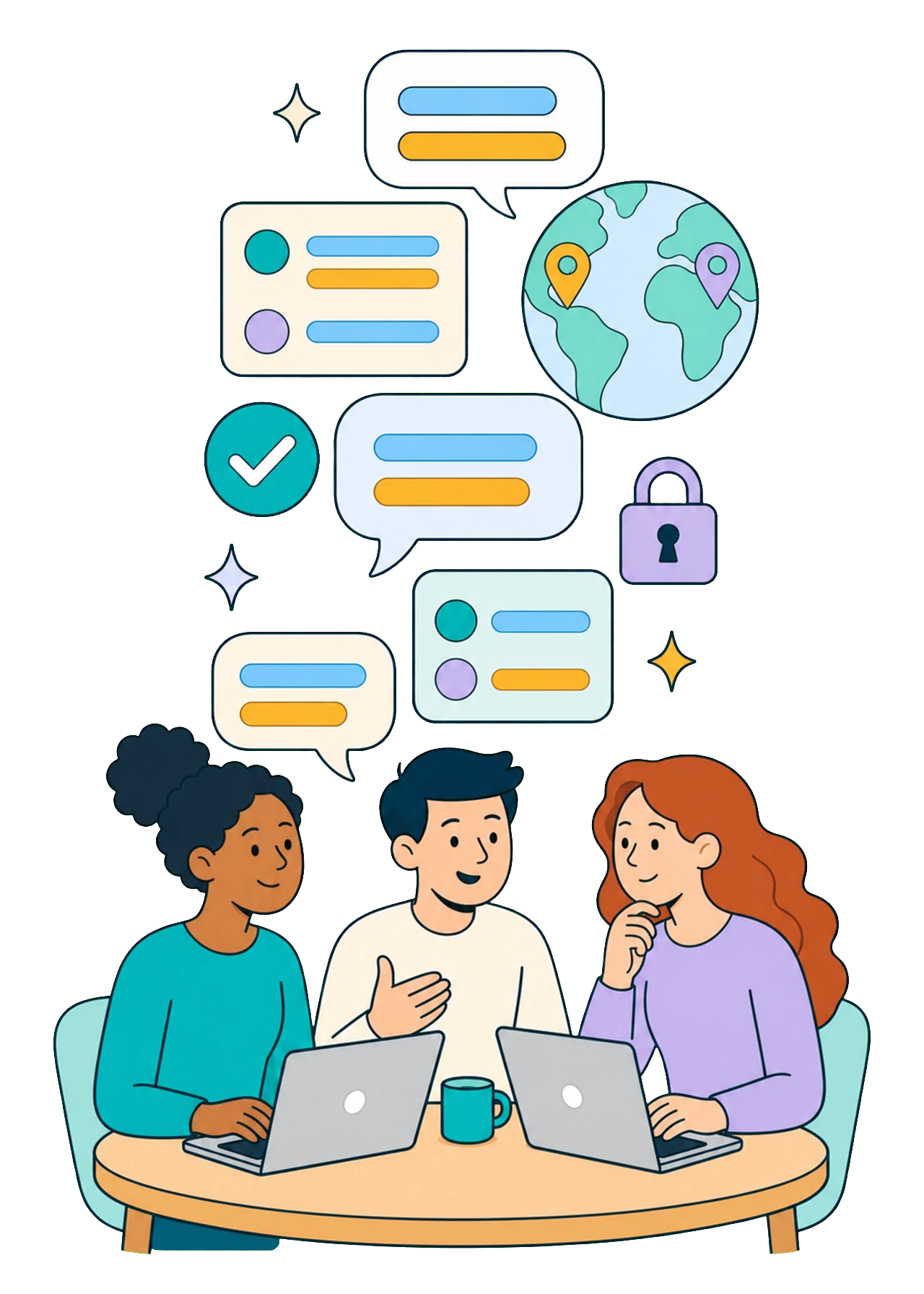
- 01
Accurate where it's hard
Accents, crosstalk, technical terms, and team names: Kalima catches what other systems miss.
- 02
Visible instantly. Usable instantly.
The transcript takes shape live as you talk. Click any word to jump straight to that moment.
- 03
Multilingual, without interruption
Live translation in 60+ languages, even when the conversation switches language on the fly.
- 04
Nothing gets lost
Even through connection problems, your content is preserved. Kalima fills in the missing passages automatically once you're back online.
- 05
One workflow replaces several tools
Live transcription, file upload, AI Studio, and export all work together in one place.
- 06
Your data stays protected
EU hosting, encrypted connections, and no use for AI training. You decide what's shared, stored, or deleted.
See Kalima in action.
Three workflows from start to finish: a meeting that ends in a task list, a training video that gets subtitles in another language, and a question Kalima answers from what was said.

The meeting recording that just runs itself.
You know the feeling: the meeting is already under way and nobody pressed record. The desktop app takes that off your plate. It can detect when a meeting starts, record automatically, and stop when it ends. By capturing the sound playing on your computer, it transcribes everyone in the call, not just you. No forgotten click, no lost beginning, and no bot in the meeting.
v0.9.44 · Free plan · No credit card · Windows, macOS and Linux

Everything about Kalima at a glance.
And if anything's still open, our team will help you personally.