
Transcribe Slack Huddles in Real Time
Kalima transcribes a Slack huddle by capturing your system audio, so a speaker-separated transcript builds in real time and no third-party bot ever joins the call.
Live translation and AI summaries use the same audio. The transcript is ready when the huddle ends, and qualifying summaries finish shortly afterward.

Transcribe Slack huddles without adding a bot to the call
Slack huddles are meant to feel light and spontaneous. Most transcription tools break that feeling: they join as a visible participant or need a calendar invite to latch onto. Kalima captures the sound playing on your computer, so the transcript opens in its own window and the huddle stays unchanged.
Because capture happens on your machine, it works the same whether the huddle is a quick two-person side-channel or a full-team standup. Start Kalima before you open the huddle, and a speaker-labeled transcript builds in real time while you stay in the conversation.
Why transcribing Slack huddles is harder than it looks
A huddle trades the overhead of a scheduled meeting for a quick, open channel. That same informality creates a few transcription problems.
Huddles feel too casual for a bot
Pulling a third-party recording bot into a quick side-channel feels out of proportion. On many teams it reads as surveillance, not help.
There is no live transcript inside the huddle
Slack does not show a real-time transcript or live captions in the huddle window. If you need the written record while the call is happening, you have to capture it yourself. Slack's own help page also rules out AI huddle notes in huddles with external people or guests (checked September 2026).
Quick decisions vanish when the call ends
Huddles are where fast calls get made. With no structure around them, the action item someone mentioned in passing is gone the moment everyone drops off.
How to transcribe a Slack huddle with Kalima
The steps are the same whether you start the huddle or join one. Capture the sound playing on your computer, then follow the transcript as it appears.
Start Kalima before you open the huddle
Open Kalima and start a live session. On desktop, Kalima captures system audio, so it hears everyone in the huddle, not just your own microphone.
Watch the transcript build as people talk
Speech is transcribed in real time with speaker labels. Turn on live translation and a cross-language huddle stays readable for everyone in it.
Turn the huddle into follow-up
Close the huddle and generate an AI summary with decisions and action items. Sessions of at least five minutes with enough speech can start this automatically after processing finishes. Export the transcript as SRT, VTT, PDF, JSON, or plain text.
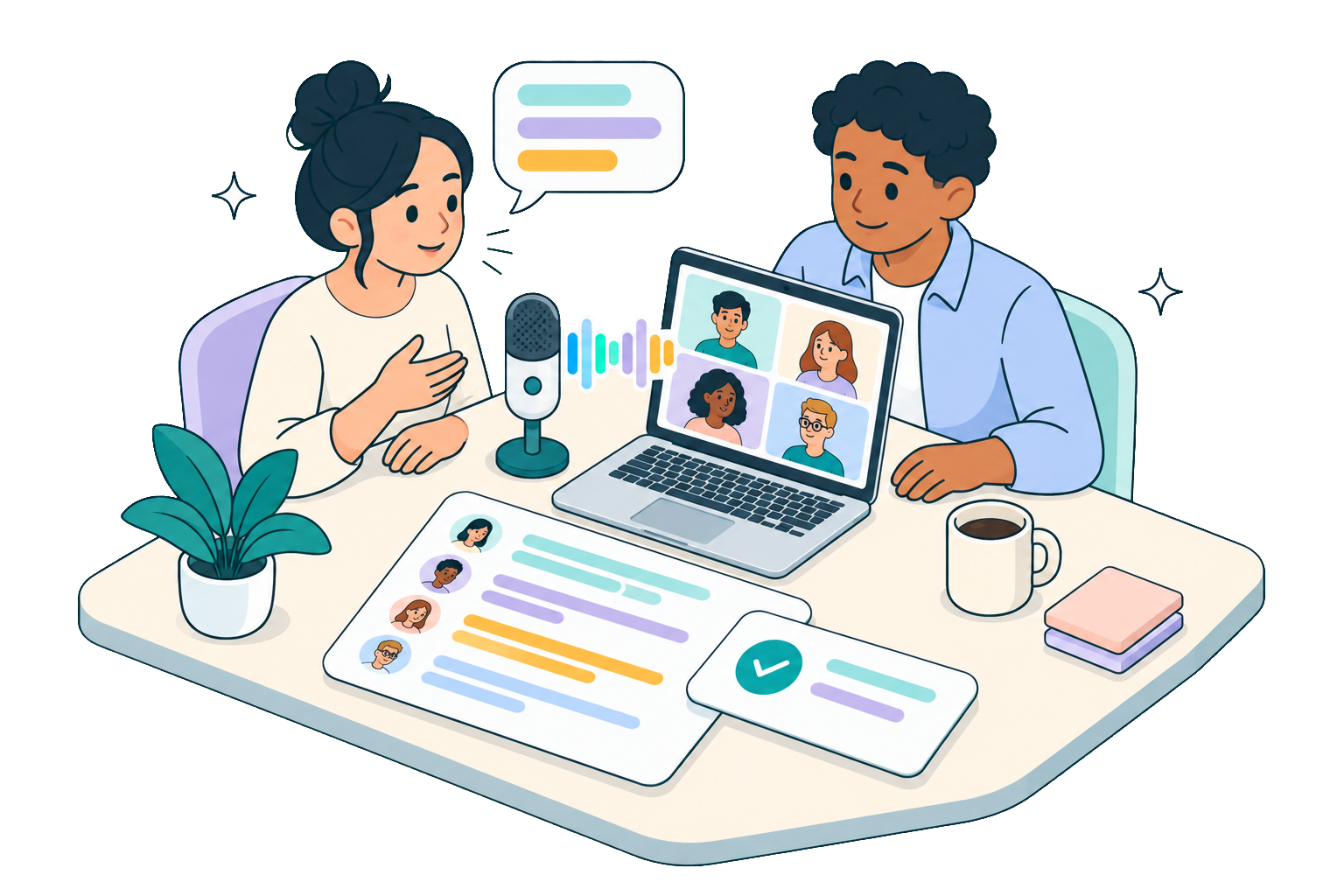
What you get from bot-free huddle transcription
Capturing system audio on your own machine keeps a huddle feeling like a huddle, and still gives you a complete written record.
No extra name in the channel
Nothing joins the huddle and there is no bot in the participant list. Because Slack shows no recording notice for Kalima, tell the others yourself that you are transcribing.
Live, speaker-labeled record
Read who said what while the huddle happens, instead of rebuilding the conversation from memory or a raw audio file later.
Structured follow-up from a casual call
A qualifying huddle can produce an AI summary with action items after processing, so a decision made in passing is not lost before anyone acts on it.
Feature fit for Slack huddles
The jobs teams usually want a huddle transcript to do, and how Kalima covers each one.
Before you record
Kalima runs on your own device, so nobody in the meeting sees it. That is exactly why you should announce it: tell everyone before you start and ask for their consent. If you use Kalima at work, agree on it with your data protection officer and, where there is one, your works council first.
Slack huddle transcription questions
Common questions about transcribing Slack huddles with Kalima.
Further reading
Related solutions
Transcribe your next Slack huddle
Start for free and get a live, speaker-labeled transcript of your next huddle, with no bot to add and no Slack connection to set up.