
Kalima for Events & Conferences
Kalima turns live talks, panels, and workshops into readable transcripts while the program is still running.
Attendees follow along in text. Organizers keep a record of what was said. International audiences can read a translation instead of waiting for post-event processing.
 Live
LiveEvent transcription is most useful while the session is live
Conferences move fast. By the time a recording is processed, attendees have moved on to the next session and organizers are buried in follow-up.
Kalima adds a live text layer to keynotes, panels, webinars, and breakout rooms. The transcript stays useful afterward for recaps, archives, and reused content.
Why event teams need live transcripts
What is said on stage is easy to lose once the room clears.
Attendees miss important moments
Large rooms, noisy venues, remote streams, and quick speakers all make detail easy to miss.
Multilingual audiences need access
International events draw attendees who can follow the topic but want help with speed, vocabulary, or phrasing.
Post-event content takes too long
Without a transcript, teams spend hours replaying recordings before they can publish a summary or reuse a session.
How events use Kalima
Kalima supports both the live audience experience and the production team's follow-up afterward.
Caption keynotes and panels
Create a live transcript for main-stage sessions, interviews, panels, and fireside chats.
Support hybrid viewers
Share transcript access with remote attendees, production staff, moderators, and internal teams.
Turn sessions into content faster
Use the transcript as the starting point for recap posts, speaker quotes, summaries, and searchable archives.
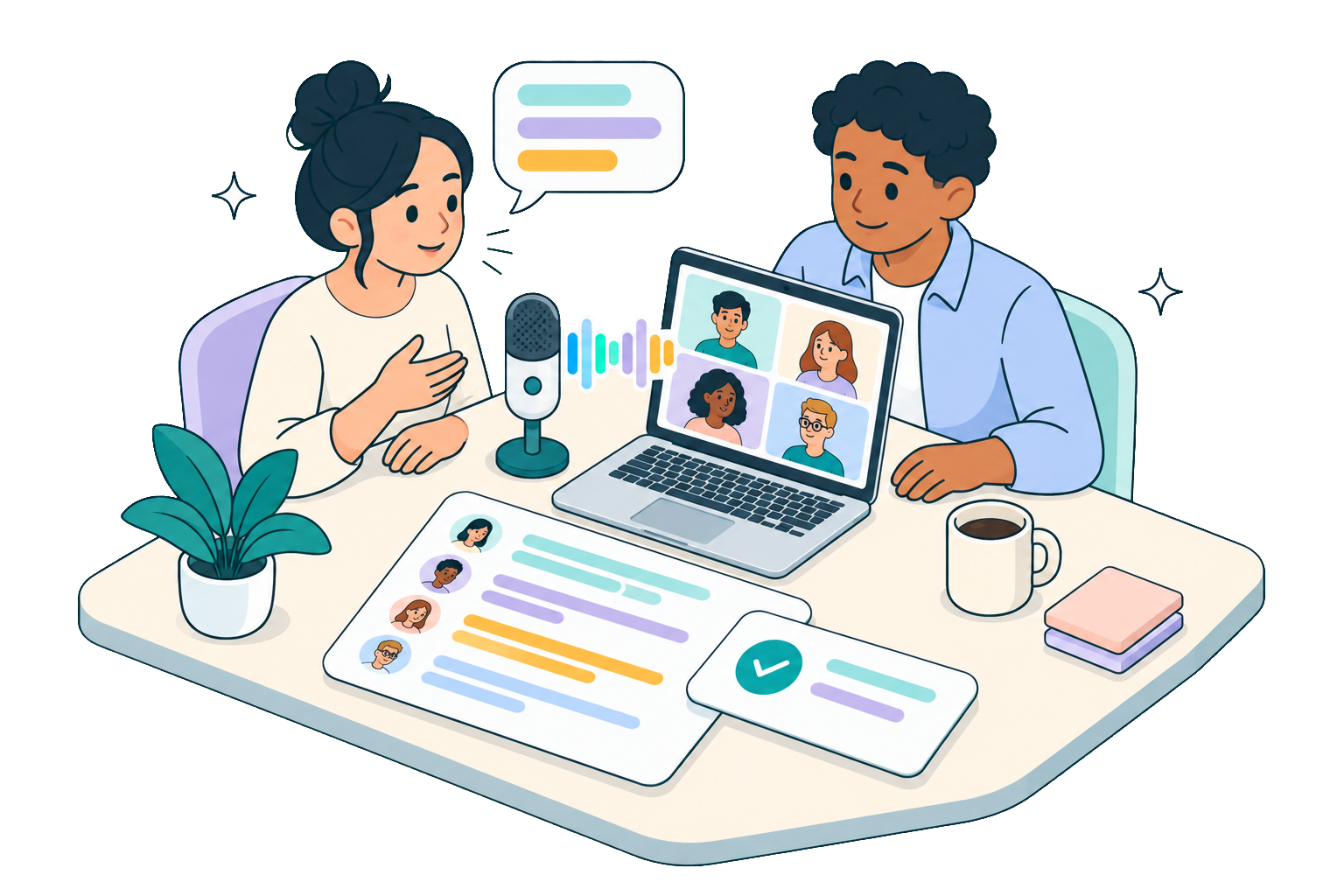
What event teams gain
A live transcript is easy to follow during the session and useful long after it ends.
Better attendee access
People can read along when the audio is hard to hear, the room is busy, or the speaker moves quickly.
Faster editorial follow-up
Marketing and content teams start from the written record instead of transcribing recordings after the event.
Clearer multilingual support
Translation workflows help international audiences follow sessions with less delay.
Feature fit for events
Event teams usually need reliable capture, easy sharing, and support for mixed audio sources.
Before you record
Kalima runs on your own device, so nobody in the meeting sees it. That is exactly why you should announce it: tell everyone before you start and ask for their consent. If you use Kalima at work, agree on it with your data protection officer and, where there is one, your works council first.
Event teams ask
Common questions from conference organizers, webinar teams, and production leads.
Further reading
- ProductDesktop App
- GuideSet Up Live Translation for Meeting Transcripts
- GuideShare a Live Transcript Using Viewer Mode
- BlogHow to Get a Transcript of a Zoom Webinar You Attended
- BlogTranslate a Meeting Live: What Zoom, Teams and Meet Give You in 2026
- BlogLive Captions That Keep Pace With the Conversation
Related use cases
Add live transcript support to your next event
Use Kalima for keynotes, panels, webinars, workshops, and hybrid conference sessions. Start for free, no credit card.